
The full guide to the SUNLU FilaDryer S2
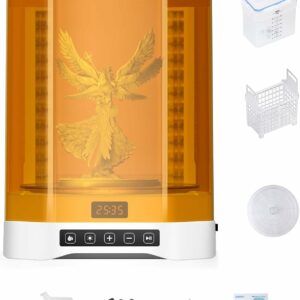
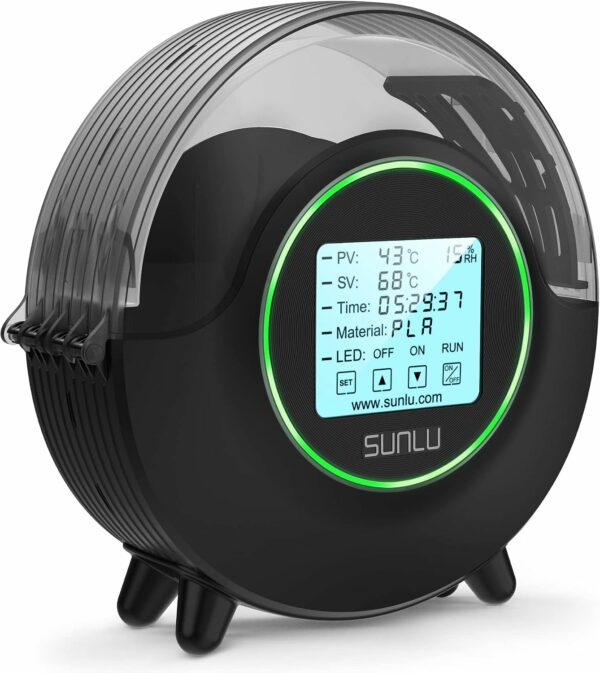
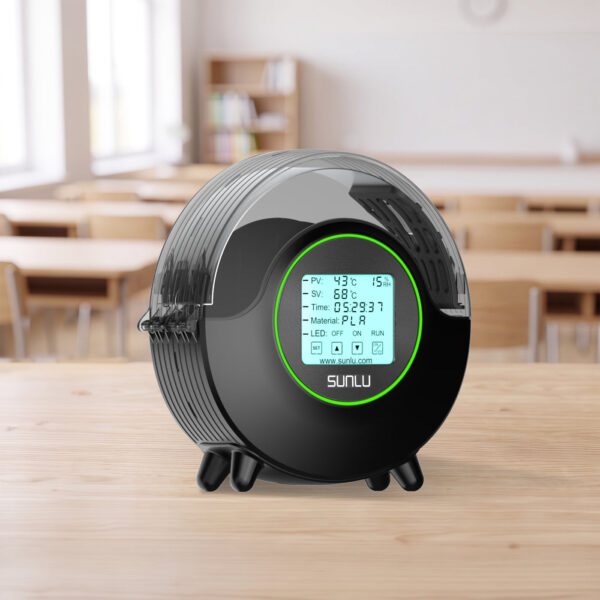
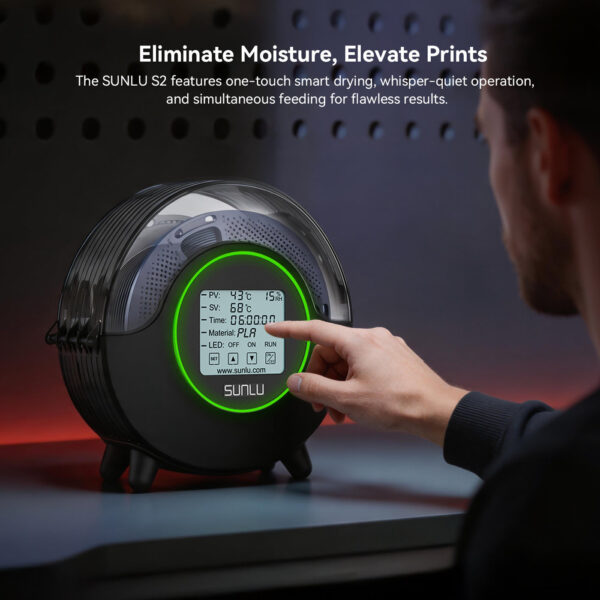
The SUNLU FilaDryer S2 is a one-spool filament dryer for 3D printer owners whose prints have started to string, pop or turn brittle because the filament has soaked up moisture. It warms the spool at 35–70 °C, shows the humidity inside the chamber and lets the filament run out to the printer while it keeps drying. The trade-off is capacity: it takes one spool at a time and stops at 70 °C.
Key specifications
| Capacity | One spool, sold to fit most 1 kg spools |
|---|---|
| Largest spool | 210 mm across and 85 mm wide on SUNLU’s specification panel; SUNLU’s size diagram shows 200 mm across and 78 mm wide |
| Filament diameters | 1.75, 2.85 and 3.00 mm, according to SUNLU |
| Temperature | 35–70 °C |
| Timer | 1–99 hours |
| Heating | Top and bottom heating pads with a fan underneath, according to SUNLU |
| Humidity | Built-in sensor with a live reading on the screen |
| Presets | One-touch drying settings for PLA, PETG, TPU and other common filaments |
| Controls | Touch screen, °C or °F |
| While printing | Works as a spool holder, with two filament outlet holes |
| Room temperature | Designed for 20–35 °C, according to the user guide |
| Max continuous current | 1.8 A |
| Power consumption | Not published on SUNLU’s UK store page |
Who it suits — and who should pick something else
- A good fit if you run one filament printer, print mostly PLA, PETG or TPU, and keep spools in a spare room, garage or anywhere that feels damp. Drying a spool before a long print and feeding it from the dryer removes one common cause of stringing and weak layers.
- A good fit if you want to see whether a spool is actually damp: the humidity reading tells you more than guessing from a failed print.
- Pick a different approach if you print from four spools at once, for example on the Bambu Lab A1 Combo with AMS lite. The S2 dries one spool at a time, so the spools take turns before they go into the feeder.
- Look elsewhere if your filament’s data sheet asks for more than 70 °C: the S2 cannot go higher.
- You may not need a dryer at all if you buy spools as you need them and keep opened ones sealed with desiccant. Our guide to whether you need a filament dryer sets out the signs.
What’s in the box
- S2 filament dryer
- Power adapter
- User guide
Filament is not included with the dryer on its own; SUNLU also sells bundles with spools.
How to use it
These steps follow SUNLU’s user guide.
- Fit the assembled roller into the recessed groove at the bottom of the chamber, then sit the spool on it.
- Find the two filament holes. Use hole 1 if the spool unwinds anticlockwise and hole 2 if it unwinds clockwise, so the filament leaves without a sharp bend.
- Thread the filament out through the hole if you plan to print while it dries, and close the lid.
- Find the power connector on the dryer, plug in the adapter’s lead and connect it to the mains.
- Double-tap the power icon to switch on or off.
- Tap SET to move between menu items, and use the up and down arrows to change the temperature, the time or the filament preset.
- Watch the humidity figure: when it stops falling, the spool is as dry as this setting will make it.
Drying temperatures, according to SUNLU
SUNLU’s user guide groups filaments into three temperature bands, all with a drying time of 3–6 hours.
| Filaments | Drying temperature | Time |
|---|---|---|
| PLA, PLA+, wood-fill, PETG | 45–50 °C | 3–6 h |
| PVB, ABS, ABS+, HIPS, PVA, ASA, TPU, PMMA | 50–55 °C | 3–6 h |
| PA, PC | 60–70 °C | 3–6 h |
Treat these as starting points and let your filament’s own data sheet have the last word. PLA is the one to be careful with: the SUNLU PLA filament has a heat deflection temperature of 55 ± 5 °C, so setting a PLA spool to the S2’s 70 °C maximum risks soft, deformed filament on the spool.
Where to put it
The user guide gives a room temperature range of 20–35 °C and warns that below 10 °C the dryer may heat slowly or never reach the set temperature. That matters in a UK garage or shed in winter: if the printer lives out there, dry the spool indoors first, then carry it out sealed. Stand the dryer close to the printer so the filament runs in a short, gentle curve to the extruder, and keep the outlet hole aligned with the way the spool unwinds.
Drying fixes moisture that is already in a spool; storage stops it coming back. Once a spool is dry and you are not printing from it, move it into an airtight box or bag with desiccant, as our guide on how to store and dry filament explains.
How it compares
The S2 is the only dryer we list, so the useful comparison is with the filaments you are likely to put in it.
| Filament | Spool, as published | S2 band (SUNLU guide) |
|---|---|---|
| SUNLU PETG filament | 1 kg | 45–50 °C |
| SUNLU PLA Filament | 1 kg, 19.5 cm across, 5.9 cm wide | 45–50 °C |
| SUNLU TPU 95A Filament | 1 kg | 50–55 °C |
The PLA spool’s published size sits inside both of SUNLU’s spool limits. If you buy another brand, check its spool width and diameter against the smaller pair of figures, 200 × 78 mm, to be safe. For TPU, feeding straight from the dryer to the extruder also gives the short, direct path that flexible TPU filament prefers: feed it from a spool holder rather than a multi-colour feeder unless the feeder’s maker says it takes TPU.
Common questions
How long does the SUNLU S2 take to dry PLA?
SUNLU’s user guide suggests 45–50 °C for 3–6 hours for PLA and PLA+. Start with the shorter time and watch the humidity reading; when it stops falling, the spool is ready. A spool that has sat open for months may need the longer end.
Can you print while the S2 is drying?
Yes. The S2 has two outlet holes so the filament can feed to the printer while the dryer keeps running. Pick the hole that matches the direction the spool unwinds, so the filament doesn’t rub or kink.
What size of spool fits the S2?
SUNLU’s specification panel gives a maximum of 210 mm across and 85 mm wide, while its size diagram shows 200 mm and 78 mm. Most 1 kg spools fall inside both. Measure larger or unusually wide spools before you buy.
Can the S2 dry PETG and TPU?
Yes. SUNLU’s guide puts PETG at 45–50 °C and TPU at 50–55 °C, both for 3–6 hours, well inside the dryer’s range. Check the temperature on your filament’s own data sheet first.
Will it work in a cold garage?
SUNLU designs the S2 for a room at 20–35 °C. Below 10 °C, the user guide says it may heat slowly or not reach the set temperature, which SUNLU treats as normal. Dry the spool somewhere warmer and keep it sealed until you print.
Does a dryer replace airtight storage?
No. The dryer removes moisture; a sealed box or bag with desiccant keeps it out. A simple routine: dry the spool before use, print from the dryer, then store the spool sealed afterwards.
Specifications as published by SUNLU on its official pages, checked November 2026. Where a figure isn’t published, we say so.