The full guide to the Elegoo Saturn 4 Ultra 16K
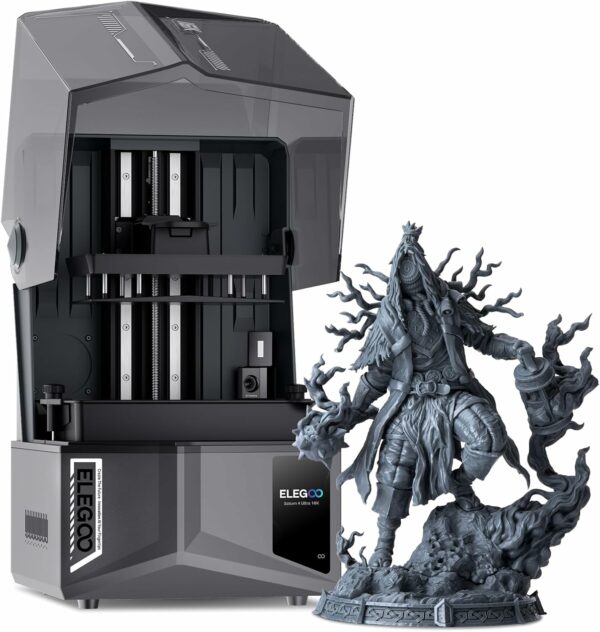
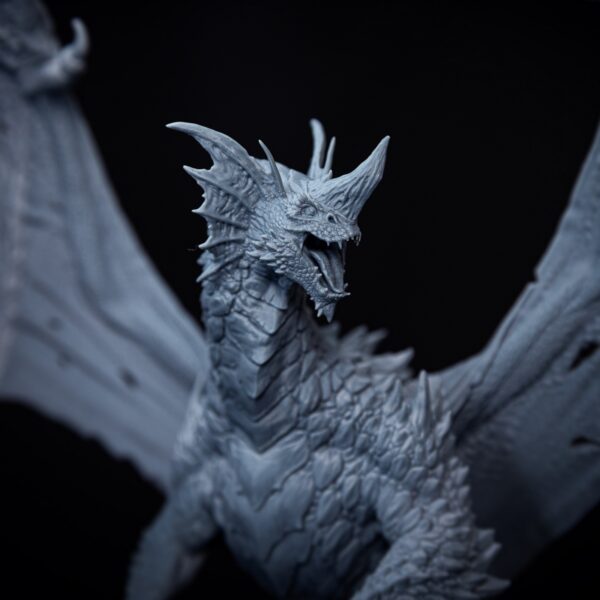
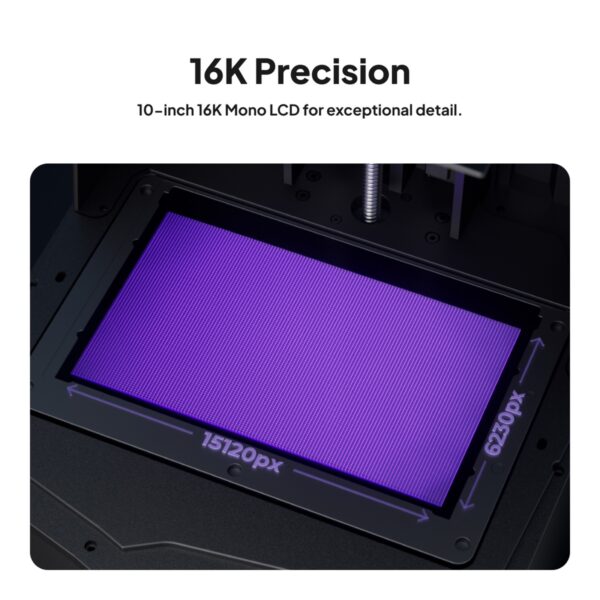
Resin printing trades convenience for detail, and the Saturn 4 Ultra 16K pushes detail hard: a 10-inch 16K screen at 14 × 19 µm per pixel, with a 220 mm tall build area. It suits miniature painters and model makers who have a ventilated space to work in; the trade-off is the extra kit, the gloves and the wash-and-cure routine that every resin printer brings.
Key specifications
| Type | MSLA resin, tilt release |
|---|---|
| Screen | 10-inch 16K mono LCD, 15,120 × 6,230 px, with a 9H tempered-glass protector |
| XY resolution | 14 × 19 µm |
| Z-axis accuracy | 0.02 mm |
| Layer thickness | 0.01–0.2 mm |
| Build volume | 211.7 × 118.4 × 220 mm |
| Speed | Up to 150 mm/h, according to Elegoo |
| Light source | COB light source with a Fresnel collimating lens |
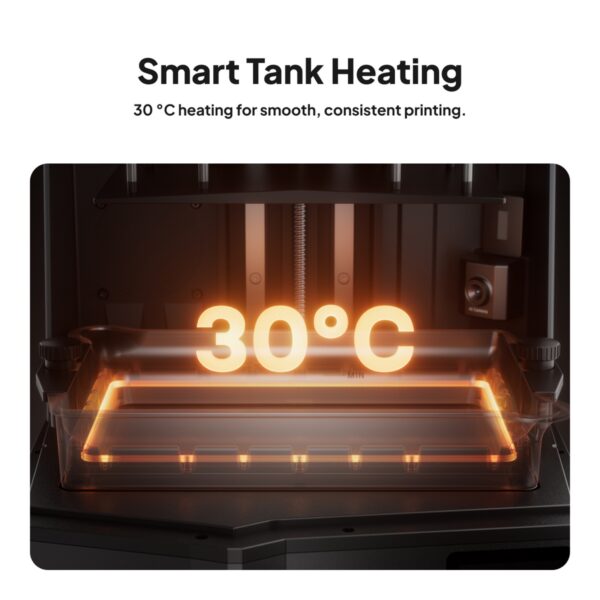
| Resin vat | Heated: warms the resin to 30 °C before printing and can hold it there for 24 hours, according to Elegoo’s wiki |
| Release film | PFA |
| Monitoring | AI camera with light; detects detachment and warping |
| Sensors | Resin level, foreign objects, plate levelling |
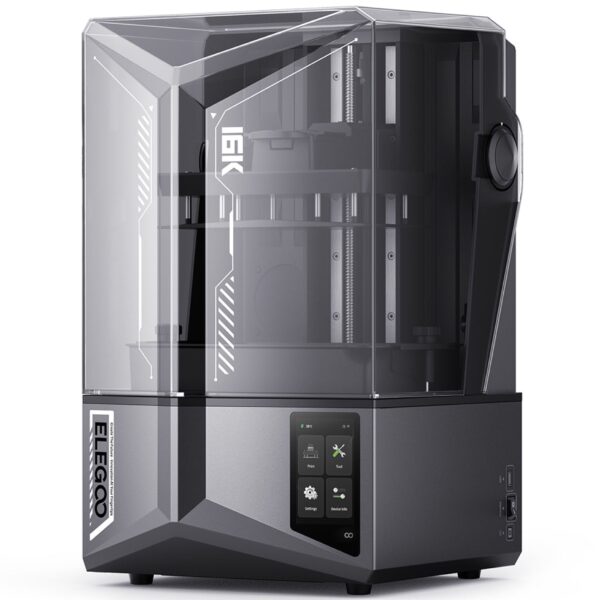
| Controls and software | 4.0-inch capacitive touch screen; SatelLite and Chitubox slicers |
| Connectivity | USB and built-in dual-band Wi-Fi |
| Power | 100–240 V AC, 50/60 Hz; 24 V 6 A adapter |
| Size and weight | 327.4 × 329.2 × 548 mm; 16.1 kg net |
| Other | Automatic levelling, resume after power loss, OTA firmware updates |
Who it suits — and who should skip it
Choose it if:
- You paint miniatures, make tabletop terrain or print small, finely detailed parts, and you want room for taller models or several at once.
- Your workspace is chilly. Elegoo’s wiki uses a room at about 10 °C as its example of when to switch on tank heating, which matters in an unheated spare room or garage in winter.
- You’d rather not level by hand: levelling is automatic, and a one-tap self-test checks the printer before you start.
Skip it if:
- You have no ventilated room away from living and sleeping areas, or young children can reach the workspace.
- You want large, tough functional parts. A filament printer is the better tool; our guide to resin versus filament printers covers where each one wins.
- You want to print without any clean-up. Every resin print needs washing and curing.
What’s in the box and setting it up
Elegoo lists the printer, build plate, resin tank, funnel, resin tray, USB flash disk, gloves, mask, backup screws, scraper, power adapter, tool kit and user manual. A wash-and-cure station and resin are not included.
Setting up is short because the printer levels itself. Elegoo’s wiki has you pour resin into the tank between the minimum and maximum lines, power on, insert the USB stick and pick a model on the touch screen; a one-tap self-test checks the components first. For tank heating, Elegoo’s wiki points you to Settings, then Accessibility features, then Tank Heating: the printer waits until the resin reaches 30 °C, which takes about 30 minutes. Files arrive by USB or over Wi-Fi from SatelLite or Chitubox.
Plan the space before it arrives. At 548 mm tall and 16.1 kg, according to Elegoo, it needs a sturdy bench with clearance above to lift the top cover.
Which materials it prints
The Saturn 4 Ultra 16K prints photopolymer resin only. Elegoo’s own range covers standard, ABS-like, water-washable and plant-based resins, and Elegoo describes its 405 nm standard resin as compatible with LCD and MSLA printers. In our shop, Elegoo Water Washable Resin 2.0 is a 405 nm resin listed for this printer; it rinses in water rather than isopropyl alcohol, but the rinse water still carries uncured resin.
Resin needs care, and the precautions below come from Elegoo’s safety data sheet for its Standard Photopolymer Resin:
- Skin: it causes skin irritation and may cause an allergic skin reaction. Wear protective gloves (Elegoo includes a pair) and wash skin with plenty of water if it splashes.
- Air: avoid breathing the vapours. Work in a well-ventilated room; Elegoo also puts a mask in the box.
- Children: the data sheet says to keep it out of reach of children.
- Disposal: liquid resin must not go in household rubbish or reach the drains, and disposal must follow official regulations: ask your local council or waste authority how it takes hazardous waste. With water-washable resin, let the rinse water cure in sunlight or under UV before it goes anywhere.
Prints are washed in isopropyl alcohol (or water for water-washable resin) and then cured under UV light. Our guide on how to cure resin prints walks through the process, and our resin printer safety guide covers the room set-up in more detail.
Living with it: maintenance and running costs
Most of the routine work happens around the resin tank. Elegoo’s wiki advises checking the tank after any failed print and removing cured resin or debris before printing again, and keeping the tank out of strong sunlight or UV light while it prints. The printer flags foreign objects itself, which helps protect the screen.
- Release film: the PFA film is a wear part. The printer prompts you to replace it after 60,000 uses, and you reset the counter from the self-test page. Elegoo’s wiki shows the swap with 2.0, 2.5 and 3.0 mm Allen keys.
- Build plate: Elegoo says the laser-engraved plate grips prints during printing yet releases them without damage afterwards. If prints don’t stay on, our guide to resin prints that won’t stick goes through the causes.
- Parts the wiki lists as frequently replaced: release film, LCD screen, the resin tank’s heated adapter board and its thermistor.
Running costs come from resin, cleaning liquid, gloves and release films. Elegoo also says the printer pauses and alerts you if the LED temperature passes 80 °C.
How it compares with the other printers we list
| Figure | Elegoo Saturn 4 Ultra 16K | Anycubic Photon Mono 4 |
|---|---|---|
| Screen | 10-inch 16K | 7-inch 10K |
| XY resolution | 14 × 19 µm | 17 × 17 µm |
| Build volume | 211.7 × 118.4 × 220 mm | 153.4 × 87 × 165 mm |
| Levelling | Automatic | 4-point manual |
The Photon Mono 4 is the smaller, simpler route into resin; the Saturn adds size, automation and heating. Our Saturn 4 Ultra vs Photon Mono 4 comparison goes further. If you’re still choosing between resin and filament, the Bambu Lab A1 mini prints 180 × 180 × 180 mm in PLA, PETG and TPU with no wash-and-cure step, and our list of the best 3D printers for miniatures sets the two approaches side by side.
Common questions
Is the Saturn 4 Ultra 16K good for a first resin printer?
The printer side is beginner-friendly: automatic levelling, a self-test and sensors that warn about low resin or debris. The resin side is not simpler on any printer, so budget time for gloves, ventilation, washing and curing.
Do you need a wash-and-cure station?
You can wash and cure by hand, but a station keeps the mess contained. In our shop, the Elegoo Mercury Plus V3.0 takes parts larger than the Saturn’s build volume.
Can it work in a cold room?
That is what the heated vat is for. Elegoo says it warms the resin to 30 °C before printing, and its preheating mode holds that temperature for 24 hours.
Does it need Wi-Fi?
No. You can send files by USB stick. Wi-Fi adds sending from the slicer and, according to Elegoo, managing several printers from one interface.
Specifications as published by Elegoo on its official pages, checked October 2026. Where a figure isn’t published, we say so.