
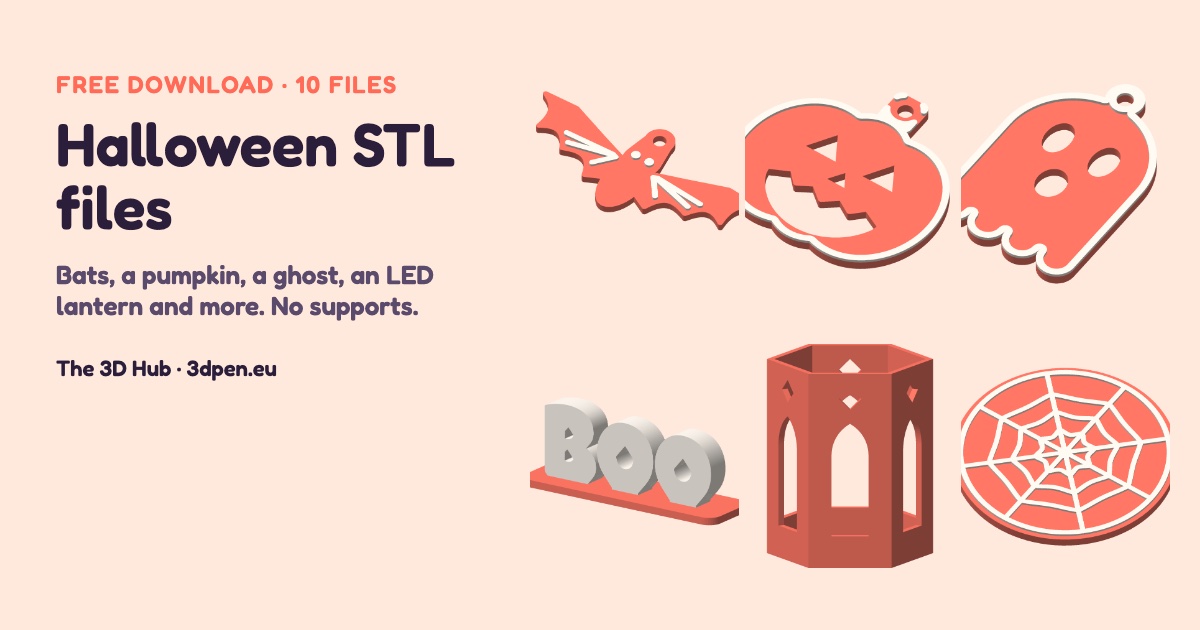
Download 10 free Halloween STL files designed by The 3D Hub: hanging bat, jack-o’-lantern, ghost, spider and black cat decorations, a free-standing BOO sign, a hexagonal lantern for an LED tea light, a spider web coaster and two trick-or-treat bag tags. Every model prints with no supports and fits a 180 × 180 mm bed. Halloween is on 31 October, so start printing a week or two before.
Download all 10 files (ZIP, STL)
Printing this pack? It takes about 134 g of PLA, so one 1 kg spool of PLA covers it with plenty to spare. No printer yet? Compare the best 3D printers or start with the Bambu Lab A1 mini, which every file in this pack fits.
We designed these models ourselves and checked each file in OrcaSlicer 2.5.1 with automatic supports switched on: every mesh is closed, comes out as one part and needs no supports. We haven’t printed this pack yet, so if a part needs a tweak on your printer, tell us and we’ll update the file. The files are free to print for personal and classroom use, and you’re welcome to give the prints as presents. Please link to this page rather than re-uploading the files.
Hanging decorations
Flat shapes with a 5 mm hole for thread, fishing line or ribbon.
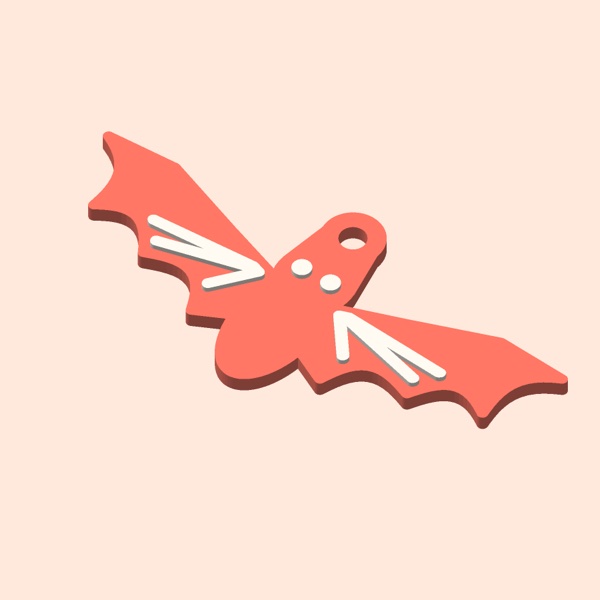 Bat decoration
97 × 43.3 × 4 mm · about 4.4 g of PLA
About 104 mm wingspan, with a 5 mm hanging hole.
Download STL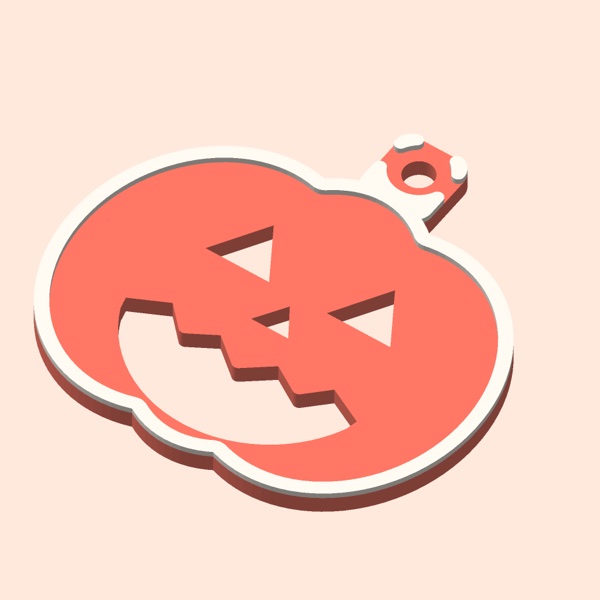 Jack-o’-lantern decoration
70 × 67 × 4 mm · about 7.2 g of PLA
The face is cut right through, so light shows through it in a window.
Download STL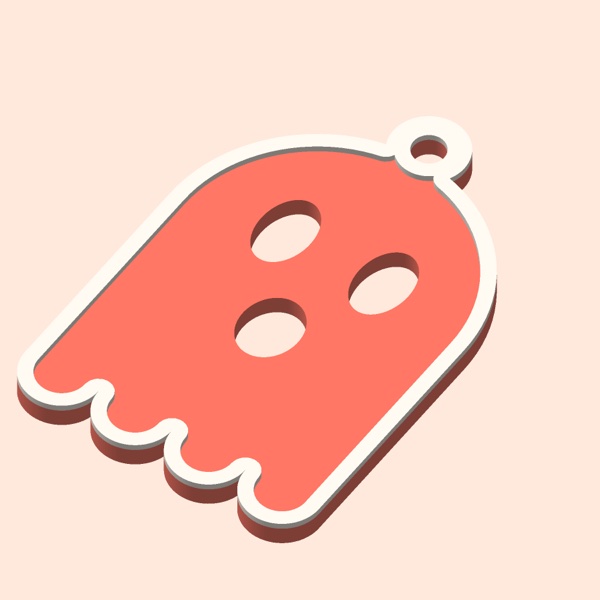 Ghost decoration
48 × 71.8 × 4 mm · about 6.8 g of PLA
Download STL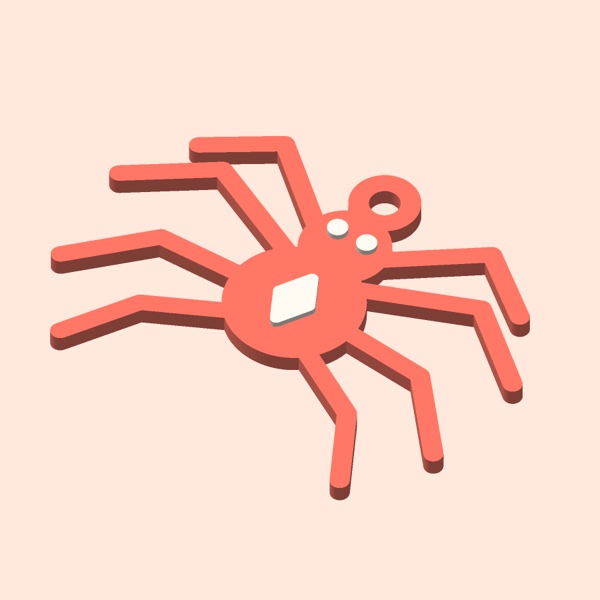 Spider decoration
79.2 × 58.4 × 4 mm · about 4.1 g of PLA
Hang it from a thread so it drops down a doorway.
Download STL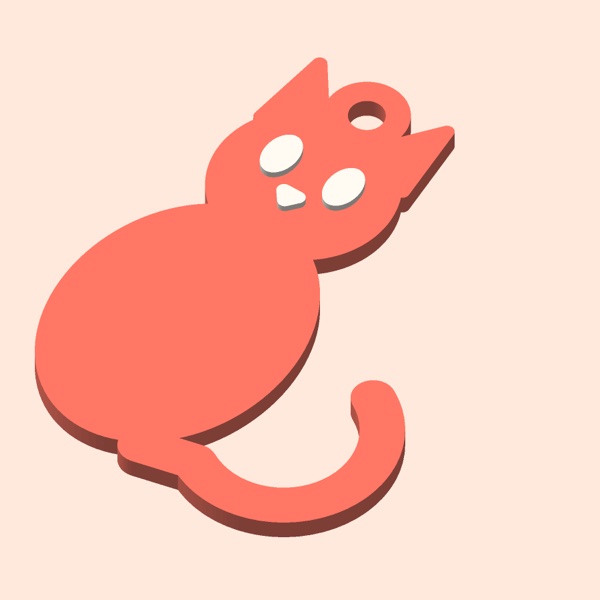 Black cat decoration
55 × 72.3 × 4 mm · about 5.2 g of PLA
Download STL
For the table and the windowsill
A sign, a lantern and a coaster for a Halloween party.
 BOO sign
123.5 × 36 × 44.8 mm · about 32.5 g of PLA
Free-standing letters, 40 mm tall, on a base.
Download STL Hexagonal lantern for an LED tea light
72 × 62.4 × 86 mm · about 35.5 g of PLA
Open at the top and bottom: stand it over an LED tea light. Never use a real candle.
Download STL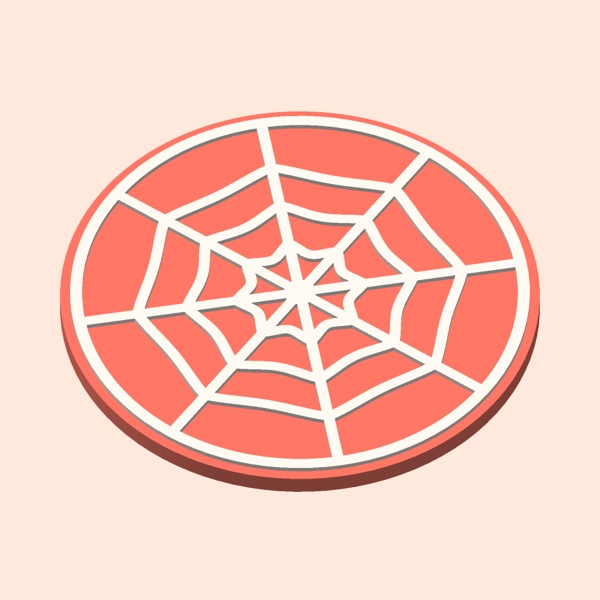 Spider web coaster
96 × 96 × 5 mm · about 20.9 g of PLA
Download STL
For trick-or-treating
Tie them to a sweet bag or a bucket with a ribbon.
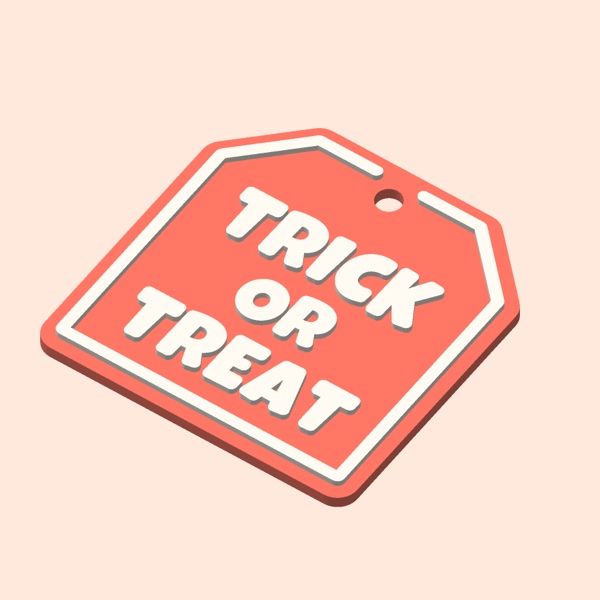 TRICK OR TREAT bag tag
64 × 66 × 3.6 mm · about 9.9 g of PLA
Download STL Pumpkin name tag
70 × 67 × 3.6 mm · about 7.8 g of PLA
Blank in the middle for a name: use a paint marker or a 3D pen.
Download STL
Print settings
- Material: PLA is the easiest choice. Use the temperatures on your spool or given by its maker.
- Orientation: print each file exactly as it comes. No supports, and no brim on a clean plate.
- Layers and strength: 0.2 mm layers with two walls and 20 % infill. The weights above come from OrcaSlicer with those settings and a 0.4 mm nozzle; the whole pack uses about 134 g.
- Size: every model fits a 180 × 180 mm bed, the size of the Bambu Lab A1 mini‘s plate.
Two colours from one nozzle
The raised details start at 3.0 mm on the hanging decorations, 4.0 mm on the BOO sign and the coaster, and 2.4 mm on the bag tags. Add a pause or a filament change at that height and swap colours: white eyes on a black bat, or white letters on an orange tag. In OrcaSlicer and Bambu Studio, right-click the layer slider in the preview to add the pause.
How to use them
- Hanging decorations: thread fishing line or ribbon through the hole and hang them in a window, from a door frame or on a branch. The jack-o’-lantern’s face is cut right through, so daylight shows through it in a window.
- Spider: hang it from a long thread so it drops down a doorway.
- Lantern: it is open at the top and the bottom. Switch on a battery LED tea light, stand it on a flat surface and lower the lantern over it. Inside, it measures about 56 mm across the flat sides and it is 86 mm tall, so check that your tea light fits.
- Bag tags: tie them on with a ribbon. Write a name on the pumpkin tag with a paint marker, or add it in raised letters with a 3D pen.
- Coaster: PLA can soften under a very hot mug; PETG copes better with heat. See PLA vs PETG.
Safety
- LED tea lights only in the lantern. Never use a real candle or any flame in it or near it: PLA softens with heat and can catch fire.
- Keep all the prints away from heat sources such as radiators, lamps and hot drinks.
- The decorations and tags are not toys: keep them away from young children.
Colours and more ideas
Black, orange and purple suit this pack, and a bat or a ghost in glow-in-the-dark filament is a good surprise once the lights go off: see our guide to glow-in-the-dark filament. For more decorations, read 3D printed Halloween decorations, and if you have a 3D pen, try our Halloween 3D pen ideas. After Halloween, our free Christmas STL files are ready for the next season.
What you need to print it
Filament for the decorations and gifts, PETG for anything that sits near heat, and two printers that take every file: the A1 Combo adds the AMS lite for automatic colour changes. See all printer filament or our printers for beginners.
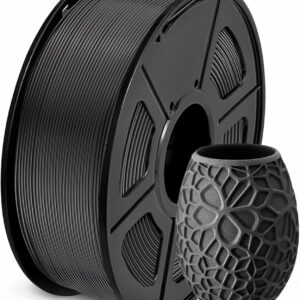 SUNLU
SUNLU PLA Filament 1.75 mm, 1 kg
MaterialPLANet weight1 kgPart cooling fanOn View product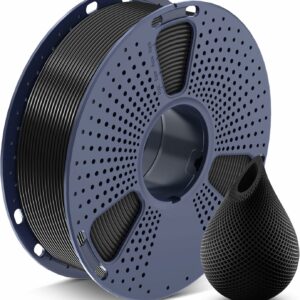 SUNLU
SUNLU PETG Filament 1.75 mm, 1 kg
MaterialPETGNet weight1 kgDensity1.27 g/cm³ View product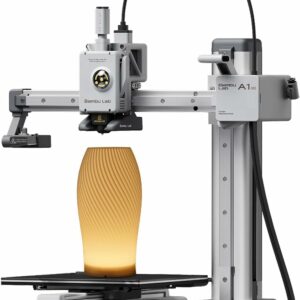 Bambu Lab
 A1 mini 3D Printer with LED Lamp Kit
Build volume180 × 180 × 180 mmMax speed500 mm/sMax acceleration10,000 mm/s² View product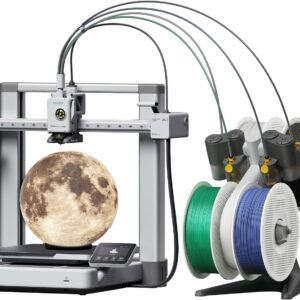 Bambu Lab
 A1 Combo 3D Printer with AMS lite
Build volume256 × 256 × 256 mmMax speed500 mm/sMax acceleration10,000 mm/s² View productCommon questions
Can I put a real candle in the lantern?
No. The lantern is for battery LED tea lights only. PLA softens with heat and can catch fire, so never use a real candle or any flame in it or near it.
Are these Halloween STL files free?
Yes. Print them for yourself, for a classroom or for a party. Please don’t sell the files or re-upload them; link to this page instead.
Do any of these models need supports?
No. We checked every file in OrcaSlicer 2.5.1 with automatic supports switched on, and none needed any. The holes inside the letters of the BOO sign are pointed at the top for that reason, and the lantern’s windows are pointed arches.
When should I print them?
Halloween is on 31 October. Start a week or two before, so you have time for a second colour or a reprint.
Have you printed them?
Not yet. We checked every file in OrcaSlicer (closed mesh, one part, no supports). If something doesn’t print well on your machine, tell us and we’ll fix the file.